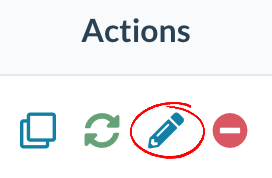
How do I edit a listing? Spacelist Support December 02, 2022 19:39 Updated Go to Menu > Listings to find the listing you wish to edit. Under the actions column, click on the Edit icon. Make any edits that you require to the listing, and click Save on the bottom right corner when done. Related articles Pillar 9 - Where is my listing? How do I manage my listings? How do I add photos/floorplans/brochures to my listing? How do I duplicate my listing? How do I manage my team?